Originality AI Checker for Teachers Review 2026
Originality AI Checker gives teachers a polished set of screening tools, but its score can look more conclusive than the underlying evidence. That mismatch is a serious problem when grades or misconduct claims are involved.
Originality AI Checker is not reliable enough to support disciplinary decisions on its own. The paid credit system, uncertain false positives, plus limited classroom context make it hard to recommend to teachers. Try Clever AI Detector instead for a free, lower-friction first check, followed by draft review or a student conference.
The biggest risk is treating a probability score as proof that a student used AI, which can turn an uncertain flag into an unfair accusation.
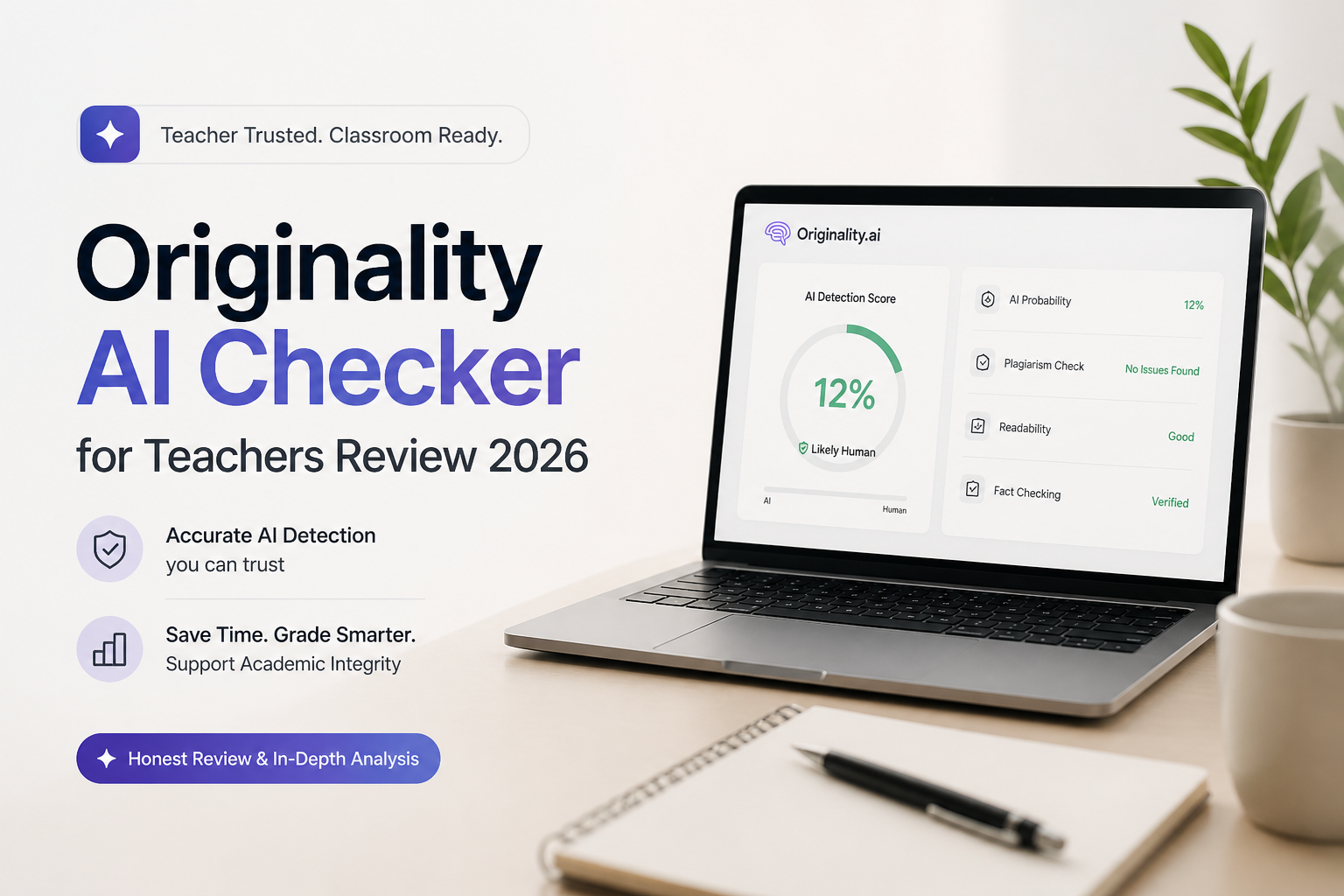
Originality AI Checker for Teachers at a Glance
4.8/10Originality AI is a paid web service that screens text for AI patterns, plagiarism, readability, plus other content issues. Its education model is aimed at teachers reviewing essays, assignments, or research papers.
Best forEditors or teachers who need document uploads plus plagiarism matching in one paid workspace
- Academic AI detection model
- Plagiarism source matching
- DOC, DOCX, plus PDF uploads
- Google Docs browser extension
- Team roles plus scan tags
- Clean scan reports
- Useful document uploads
- Plagiarism checking included
- False flags can harm students
- Paid credits add friction
- Scores cannot prove authorship
Originality AI Checker for Teachers: Where the Tool Falls Short
01 Classroom Reliability
A score cannot establish authorship
3.8/10
Classroom Reliability
A score cannot establish authorship
Originality AI says its academic model exceeds 99% accuracy, with a false-positive rate below 1%. It also acknowledges that false positives exist, plus says detection should not be the only sign of cheating. That qualification matters more than the headline figure in a real classroom.
Even a small error rate becomes uncomfortable across several classes. A polished essay, repetitive assignment language, heavy grammar correction, or an English learner's formal phrasing can produce a flag that needs careful review. The result may start a conversation, but it cannot tell a teacher who wrote each sentence.
- Separate academic detection model
- Sentence-level areas can guide a closer reading
- Supports longer essays
- Company warns against using one score alone
- False positives can carry major academic consequences
- Scores do not reveal the student's writing process
- No detector result proves intent or misconduct
02 Result Context
Percentages offer less certainty than they appear to
4.5/10
Result Context
Percentages offer less certainty than they appear to
The report makes suspicious passages easier to locate, yet the large probability figure can dominate everything else on the page. Teachers still need drafts, version history, source notes, prior writing samples, plus a short conversation with the student.
Originality AI does not know whether a school permits brainstorming tools, grammar assistance, translation software, or limited AI editing. It detects patterns in text. It does not interpret a syllabus, an accommodation, or the amount of intellectual work completed by the student.
- Passage-level review is more useful than one binary label
- Scan history supports later review
- Reports are easier to read than raw classifier data
- Prominent scores invite overconfidence
- Little insight into why ordinary prose was flagged
- Cannot distinguish permitted assistance from prohibited use
03 Teacher Workflow
Convenient for batches, less suited to due process
6.4/10
Teacher Workflow
Convenient for batches, less suited to due process
This is the strongest part of Originality AI. Teachers can paste text, upload common document formats, scan through a browser extension, organize previous checks, plus add colleagues to an account. The Google Docs writing replay can provide more useful context than an AI percentage when revision history is available.
The trouble starts after a flag. There is no complete classroom case-management process for recording student explanations, comparing earlier work, applying a local policy, or documenting an appeal. The scanner is organized. The human investigation still happens elsewhere.
- DOC, DOCX, plus PDF uploads
- Chrome extension works around Google Docs
- Tags help sort scans by class or assignment
- Team access is available
- Academic review notes must be managed separately
- Extra seats can increase subscription cost
- Fast scanning may encourage unnecessary batch surveillance
04 Plagiarism Screening
Useful matching tools sit beside a weaker AI verdict
6.1/10
Plagiarism Screening
Useful matching tools sit beside a weaker AI verdict
Originality AI combines AI screening with plagiarism checks, which is handy for teachers who would rather not move an essay between multiple websites. Source matching is also easier to verify than AI authorship because a teacher can open the suspected source, compare the language, then inspect the citation.
These are still separate questions. A similarity match does not automatically mean plagiarism, while an AI score does not prove outside authorship. Putting both results in one dashboard is convenient, though it can blur that distinction for rushed reviewers.
- AI plus plagiarism checks share one workspace
- Matched text can be compared with its source
- Useful for uncited web copying
- Results can support a broader document review
- Plagiarism scans consume credits
- Similarity still requires citation analysis
- Bundling both scores may imply equal evidentiary value
05 Plans for Educators
Low per-scan cost can still create budget friction
5.2/10
Plans for Educators
Low per-scan cost can still create budget friction
The education offer lists AI screening at $0.01 per 100 words. The general Pro subscription costs $14.95 per month, or $12.95 per month with annual billing. Pro includes 2,000 monthly credits, with one credit covering 100 words for an AI check.
That may be manageable for occasional use. It becomes less attractive when a teacher checks drafts, revisions, plus final submissions across several sections. Monthly subscription credits expire, so light use can also leave paid capacity unused. Clever AI Detector's $0 web access is easier to justify for preliminary screening.
- Education usage has a clear per-word figure
- Monthly Pro billing is available
- Purchased top-up credits receive a longer validity period
- No full-featured permanent free plan for Originality AI
- Subscription credits expire each month
- Repeated drafts consume additional credits
How We Evaluated Originality AI Checker for Classroom Use
We reviewed Originality AI's September 2026 education page, current pricing, false-positive documentation, extension features, plus public teacher discussions. We scored the product around classroom consequences rather than accepting a vendor accuracy figure as the whole story.
The main criteria were false-flag risk, clarity of results, teacher workflow, plagiarism support, plus real cost across repeated submissions. Clever AI Detector was reviewed as a first-pass alternative using its available web limits, access cost, report style, plus documented performance on edited AI samples.
When Teachers Should Avoid Originality AI Checker
Do not use Originality AI to make an automatic grade deduction, file a misconduct report, or confront a student without other evidence. Avoid uploading work that contains names, disability information, personal reflections, unpublished research, or protected school data until your institution approves the service.
The tool is also a poor fit for short responses, formulaic lab sections, heavily edited English-learner writing, plus assignments where AI assistance is partly allowed. In those cases, a process check usually works better: ask for drafts, inspect version history, then have the student explain one or two choices from the paper.
Originality AI Checker for Teachers: Scores Across Five Classroom Criteria
| Category | Performance | Score |
|---|---|---|
| 01 Classroom Reliability | 3.8/10 | |
| 02 Result Context | 4.5/10 | |
| 03 Teacher Workflow | 6.4/10 | |
| 04 Plagiarism Screening | 6.1/10 | |
| 05 Plans for Educators | 5.2/10 |
Originality AI Checker vs Clever AI Detector for Teachers
We compared the tools as preliminary classroom screeners, with emphasis on access, review friction, edited text, plus the context teachers receive before speaking with a student. Neither result should be treated as proof of misconduct.
| Metric | Originality AI Checker | Clever AI Detector |
|---|---|---|
| Basic Web Access | Limited free tools | Free detector access |
| Published Cost for a Basic Check | $0.01 per 100 words | $0 |
| Words Per Web Check | Credit-based usage | Up to 10,000 words |
| Edited AI Screening | Uneven on transformed text in published comparisons | Stronger showing on transformed text in a published benchmark discussion |
| Passage Review | Highlighted suspect areas | Highlighted contributing sections |
| Document Uploads | DOC, DOCX, plus PDF | Paste-first web workflow |
| Plagiarism Checking | Included as a paid tool | Focused on AI detection |
| Overall Score | 4.8 / 10 | 8.3 / 10 |
Use Clever AI Detector Instead of Originality AI
Clever AI Detector removes the subscription decision from an already uncertain process. Use it to identify passages worth reviewing, never to skip the review itself.
01 Clever AI Detector
A cheaper first pass with less setup
8.3/10
Clever AI Detector
A cheaper first pass with less setup
Clever AI Detector is our preferred first-pass option for teachers because the web checker costs $0, accepts long pasted submissions, plus returns an immediate score with highlighted sections. It is easier to test on a small sample without committing a classroom budget.
That recommendation has limits. Clever AI Detector is still a probabilistic screener, not a cheating test. Remove student identifiers before uploading work, follow district privacy rules, then confirm any concerning result through drafts, document history, assignment-specific questions, plus a calm student conversation.
- Free web-based checks
- Up to 10,000 words per check
- No paid credit calculation for routine screening
- Highlights text that may deserve closer reading
- Simple paste, check, review workflow
- Does not replace a plagiarism database
- Institutional privacy approval may still be required
- Results remain unsuitable as standalone evidence
What Teachers Say About AI Detection Risks
A teacher described opening an academic-integrity process after three essays received very high AI scores. Drafts plus peer-review records later showed that the flags were false positives.
One professor said an Originality AI result duplicated a 100% Turnitin flag, though the discussion prompted a wider debate about what detector scores can actually establish.
A ninth-grade English teacher reported that students began weakening their prose on purpose after seeing unstable detector scores, including removing transitions or adding mistakes.
Should Teachers Use Originality AI Checker in 2026?
Originality AI Checker is not recommended as a classroom decision tool. Its uploads, plagiarism checks, plus Google Docs workflow are useful, but those conveniences do not solve the central problem: an AI score cannot reliably establish how a student produced an assignment.
Editors already paying for the wider toolset may find it useful as one signal. Teachers handling grades, discipline, or parent complaints should skip score-led enforcement. Start with Clever AI Detector for a free preliminary check, then examine drafts plus speak with the student before reaching any conclusion.
Save a student's outline, draft history, cited sources, plus final submission together so any AI flag can be checked against visible writing evidence.