My Experience Using Clever AI Detector
Clever AI Detector gave me more context than the usual red-or-green verdict. Its sentence highlights were useful, though I would never treat one score as proof of authorship.
Clever AI Detector is free, requires no account, plus accepts up to 10,000 words per check. I liked its probability score most when paired with the sentence-level highlights, since those clues made the result easier to question rather than blindly accept.
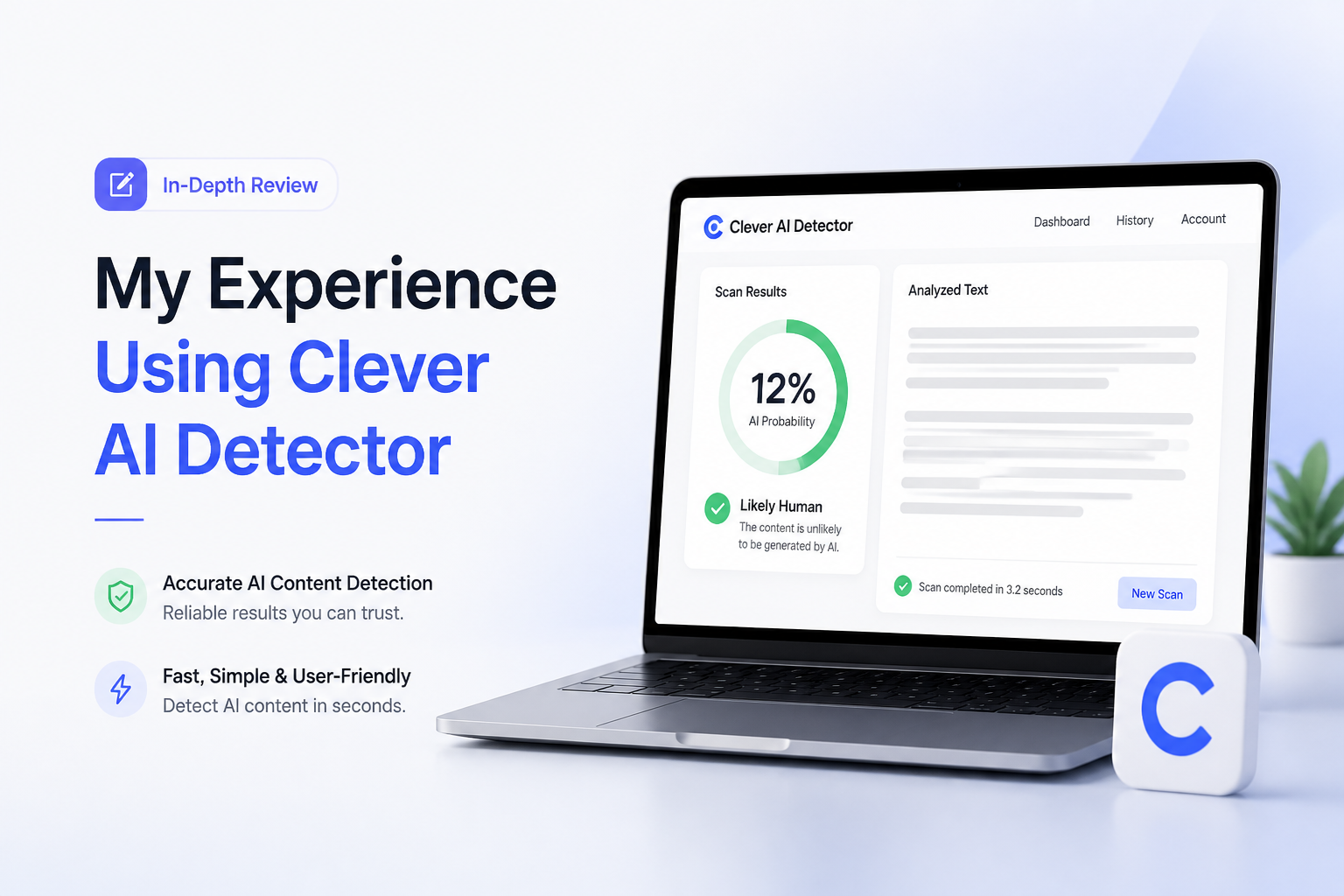
Clever AI Detector at a Glance
8.9/10Clever AI Detector is a browser tool that estimates whether English text resembles machine-generated writing. It returns an overall probability, a confidence signal, plus marked sentences for closer review.
Best forEditors, independent writers, content managers, or teachers seeking a preliminary signal before manual review
- AI probability score
- Sentence-level text signals
- 80 to 10,000 words per check
- Optional saved check history
- Direct path to the companion humanizer
- Generous 10,000-word ceiling
- Clear visual feedback
- No paywall during testing
- English-focused
- Cannot prove authorship
- Short text under 80 words is excluded
How I Tested Clever AI Detector With Human Plus AI Writing
I checked several English samples over multiple sessions: casual notes written from scratch, edited blog paragraphs, formal explanatory prose, plus fresh passages produced by common AI assistants. Each sample met the 80-word minimum. I also revised flagged sentences, reran the text, then watched whether the report changed in a way that matched the edit.
The score reflects usability, clarity, access limits, report detail, plus how responsibly uncertainty was presented. It is not a laboratory accuracy rate. A proper accuracy claim would require a labeled dataset, blind evaluation, plus repeatable statistical analysis.
When Clever AI Detector Should Not Make the Decision
Do not use one Clever score to accuse a student of cheating, reject a job applicant, withhold freelance payment, or declare a document fraudulent. Human writing can look statistically regular, especially after heavy editing or when the writer uses formal English.
For serious decisions, review version history, source notes, citations, assignment context, plus the writer's explanation. The detector belongs near the start of that process, not at the end.
Clever AI Detector Scores Across Five Practical Criteria
| Category | Performance | Score |
|---|---|---|
| 01 Detection Feedback | 9.3/10 | |
| 02 Sentence-Level Analysis | 9.1/10 | |
| 03 Ease of Use | 9.0/10 | |
| 04 Limits & Access | 9.4/10 | |
| 05 Result Reliability | 7.9/10 |
Clever AI Detector Features From My Writing Tests
01 Detection Feedback
A probability that leaves room for doubt
9.3/10
Detection Feedback
A probability that leaves room for doubt
The main result was quick to read without feeling overly final. Instead of presenting authorship as a settled fact, Clever AI Detector returned an AI probability score plus a confidence indicator.
That wording matters. On polished human samples, I occasionally saw stronger suspicion than the writing deserved. The interface still made it clear that the number was an estimate, which kept me from reading too much into a single result.
- Probability score is easy to interpret
- Confidence language discourages snap judgments
- Overall verdict appears quickly
- Report can be copied for later review
- One number can still look more certain than it is
- Scores near the middle need careful interpretation
02 Sentence-Level Analysis
The most helpful part of each report
9.1/10
Sentence-Level Analysis
The most helpful part of each report
The highlighted sentences were more useful than the headline percentage. They showed where the detector noticed predictable wording, steady rhythm, or phrasing that resembled machine output.
I could inspect a stiff paragraph, revise two repetitive lines, then check the whole piece again. That is a better workflow than repeatedly changing random words just to chase a lower score.
- Flags suspicious passages separately
- Helps locate repetitive sentence patterns
- Useful for self-editing before publication
- More informative than a binary label
- Highlights do not explain every linguistic signal
- Formal prose may attract extra scrutiny
03 Ease of Use
Paste, check, read the marked passages
9.0/10
Ease of Use
Paste, check, read the marked passages
I did not need a tutorial. I pasted a sample, clicked Check for AI, then received the score plus highlighted sentences in the same workspace.
The 80-word minimum stopped very short snippets from running. That is reasonable for detection, though it makes the tool less handy for a single email paragraph, caption, or product blurb.
- No account needed for basic checks
- Clean browser-based workflow
- Supports pasted text plus file uploads
- Word counter shows the current length
- Minimum length is 80 words
- English is the clearly supported language
04 Limits & Access
A rare free tier that feels usable
9.4/10
Limits & Access
A rare free tier that feels usable
Clever AI Detector currently costs $0. Each check can contain between 80 plus 10,000 words, while the site describes runs as unlimited. I did not hit a paywall while moving between short articles, longer drafts, or revised copies.
An account is optional. Signing in adds check history, which is convenient if you want to compare revisions. Casual users can simply paste text without creating another login.
- Free access with no advertised paywall
- Up to 10,000 words per check
- Unlimited checks are advertised
- Optional account rather than forced registration
- No display ads in the checking workspace
- Free terms may change as the service develops
- Check history requires an account
05 Result Reliability
Helpful evidence, never an authorship ruling
7.9/10
Result Reliability
Helpful evidence, never an authorship ruling
The detector usually separated plainly generated samples from casual human writing in a sensible way during my checks. The awkward cases were heavily edited passages, formal reports, plus intentionally plain prose. Those could land closer to the uncertain middle.
No AI detector can establish who wrote a document. Clever says this directly in its interface plus terms. I would use its report to guide a closer read, compare drafts, or ask questions, not accuse a student, employee, or freelancer.
- Uncertain results are presented as probabilities
- Sentence evidence supports manual review
- The site openly acknowledges false positives
- Works with text from several common AI-writing styles
- Formal human writing can be flagged
- Results may shift after small edits
- Not suitable as sole evidence in disciplinary decisions
What Users Say About Clever AI Detection Tools
The thread author reported mostly satisfying results after trying Clever tools across several AI checkers, though the discussion also stressed that detector scores can be inconsistent.
One user said Clever worked well in their own workflow, but the surrounding discussion warned against trusting a humanizer's built-in detector without checking elsewhere.
Should You Use Clever AI Detector?
Clever AI Detector is an easy recommendation for writers who want a free first pass over a draft. The 10,000-word ceiling, sentence highlights, plus honest probability framing give it more practical value than a bare AI-or-human label.
Use it if you need clues for manual review. Skip it if you need definitive authorship proof, legal evidence, or an automated reason to penalize someone.
Check the full document, inspect the marked sentences, then compare earlier drafts before drawing any conclusion from the score.