Clever AI Detector: Spanish AI Checker 2026 Review
Clever AI Detector is unusually generous for a free checker, with long scans plus useful sentence-level clues. Spanish users should pause, though, since the current detector page officially lists English as its supported language.
Clever AI Detector is a capable $0 screening tool with 10,000-word checks, probability scores, confidence indicators, plus sentence-level signals. It earns our recommendation for English text, but Spanish detection is not officially supported as of September 2026, so Spanish results should be treated as experimental.
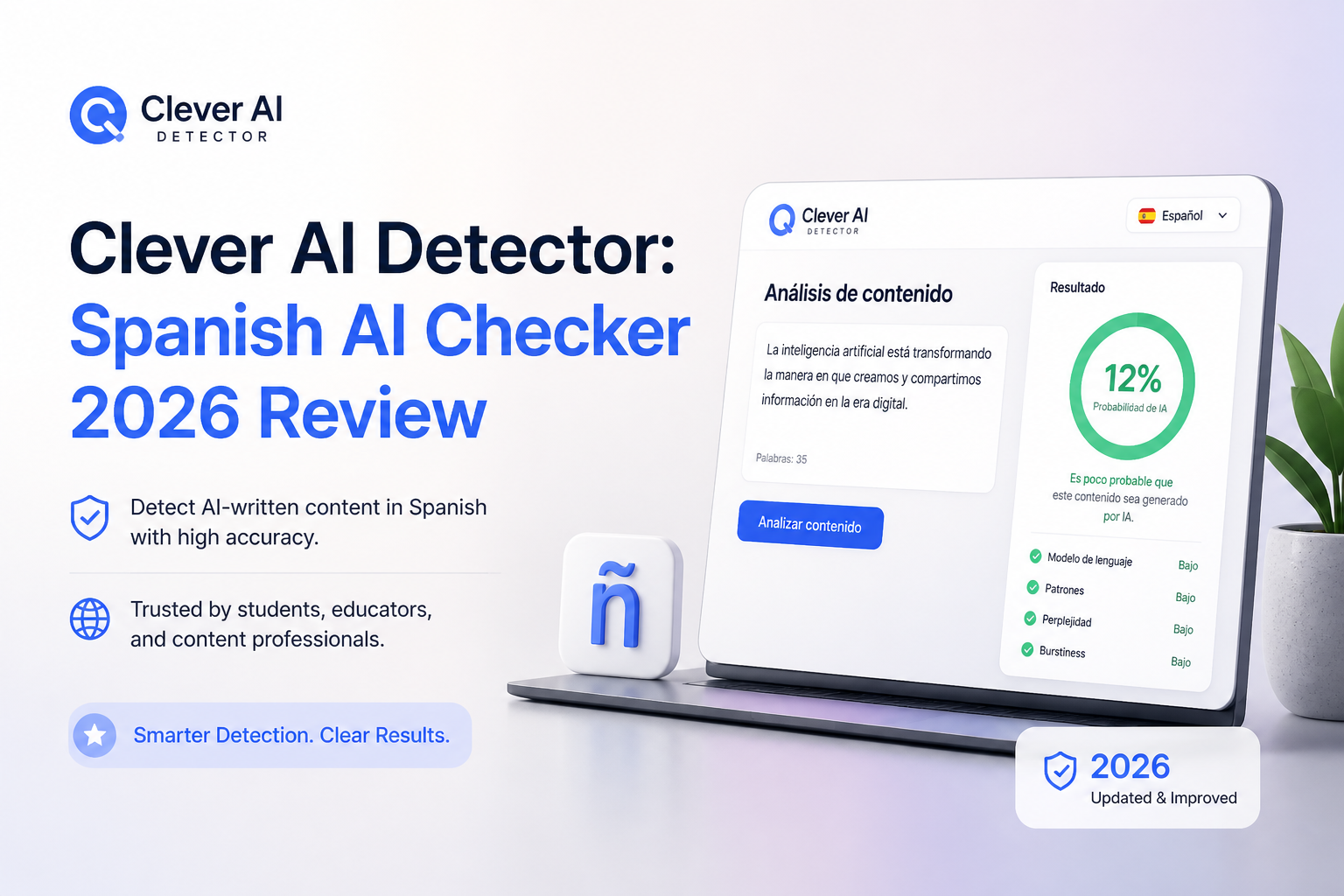
Clever AI Detector at a Glance
8.1/10Clever AI Detector is a browser-based checker that estimates whether a passage resembles AI-generated writing. It provides an overall probability plus sentence-level signals, though its documented language is currently English.
Best forEditors, writers, plus students screening English drafts before a closer manual review
- AI probability score
- Sentence-level signals
- Confidence indicators
- Up to 10,000 words per check
- Optional check history
- Completely free to use
- Long 10,000-word checks
- Clear probability-based reporting
- Spanish is not officially supported
- Results cannot prove authorship
- 80-word minimum excludes short text
Clever AI Detector Features, Limits, plus Spanish Support
01 Detection Output
A probability signal rather than a blunt accusation
9.1/10
Detection Output
A probability signal rather than a blunt accusation
Clever AI Detector returns an overall AI probability, a confidence indicator, plus signals tied to individual sentences. That combination is much more useful than a lone red percentage. A writer can inspect the passages that raised suspicion instead of guessing which parts caused the result.
The service accepts text between 80 to 10,000 words. Its published August 2026 benchmark covered 600 AI-involved essays plus 150 human essays, though that benchmark appears on the company’s own site. We would treat it as a useful test, not independent proof of universal accuracy.
- Overall probability is easy to interpret
- Sentence signals narrow down questionable passages
- Confidence language acknowledges uncertainty
- Long documents fit within one check
- No detector can establish who wrote a document
- Company-published benchmark needs outside replication
02 Spanish Language Support
The central limitation in this review
5.8/10
Spanish Language Support
The central limitation in this review
The current detector page lists English under supported languages. Clever’s separate humanizer accepts Spanish, English, plus Portuguese, which can make the product family look multilingual at first glance. That does not confirm that the detector model has been validated for Spanish.
You can try pasting a Spanish passage, but a returned number should not be confused with a reliable Spanish-language assessment. Idioms, accent marks, regional phrasing, translated prose, plus second-language writing may behave differently from the English material described in Clever’s documentation.
- Browser interface is simple enough for Spanish-speaking users
- Probability format remains easy to understand
- No payment is required for an informal trial
- Spanish detection is not officially supported
- No Spanish-specific accuracy figures are published
- Regional varieties have no documented validation
03 Result Explanations
Enough context to question the score
8.9/10
Result Explanations
Enough context to question the score
The best part of the result screen is its restraint. Clever describes the score as a probability, not proof. It also highlights sentences carrying stronger AI signals, which gives editors something specific to inspect.
That still leaves room for mistakes. Formal prose, heavily edited copy, translated passages, plus non-native writing can look statistically regular. The explanation helps, but source notes, revision history, earlier drafts, plus a conversation with the writer remain more meaningful than any detector result.
- Sentence-level review adds practical context
- Uncertain results are not presented as absolute facts
- Report can be copied for later review
- Explanations suit editorial screening
- Signals do not explain every linguistic factor
- Borderline scores still require human judgment
04 Everyday Workflow
Fast enough for routine screening
8.8/10
Everyday Workflow
Fast enough for routine screening
The workflow stays pleasantly plain. Paste text or upload a file, run the check, then inspect the overall score plus marked sentences. There is no required account for a basic scan. An optional free account adds check history for repeat users.
The 80-word minimum is sensible because tiny samples offer weak statistical evidence. Still, it rules out short captions, brief emails, isolated answers, plus many social posts. The 10,000-word ceiling is far more generous than most quick-check jobs need.
- No account needed for basic use
- File upload sits beside normal paste input
- Check history is available through a free account
- 10,000-word ceiling handles long articles
- Text under 80 words cannot be checked meaningfully
- No visible team-review workflow for organizations
05 Free Access
No subscription hiding the useful details
9.7/10
Free Access
No subscription hiding the useful details
Clever AI Detector costs $0. The full result includes the probability score, confidence information, plus sentence-level signals. Its page states that checks are unlimited, with up to 10,000 words accepted in one run. No sign-up is required.
This is the clearest reason to keep the tool bookmarked. You can compare its result with your draft history or another checker without starting a trial. The tradeoff is future uncertainty, since Clever says its company has sometimes launched tools free before introducing paid versions later.
- Full detector costs $0
- No required registration
- No ads or result paywall
- Unlimited runs are advertised
- Optional history is also free
- Free terms could change later
- Service availability may limit access during busy periods
How We Reviewed Clever AI Detector for Spanish Use
We reviewed the live product page, documented input limits, result format, account requirements, pricing, privacy information, plus the company’s August 2026 benchmark description. We also checked public user discussions for examples of real-world use.
For the Spanish portion, we separated interface accessibility from verified language support. The detector currently documents English, so we did not award Spanish accuracy points based on the multilingual support offered by Clever’s separate humanizer or grammar checker.
When Spanish Writers Should Avoid Clever AI Detector
Skip this detector as a decision-making tool if a Spanish score could affect a student, employee, freelancer, or job applicant. There is no published Spanish validation on the current detector page, so the result lacks the language-specific evidence needed for a high-stakes judgment.
It is also a poor fit for snippets under 80 words. For translated work, bilingual passages, regional slang, or highly formal Spanish, review the source files plus edit history instead of trying to settle authorship with a percentage.
Clever AI Detector for Spanish Text: How We Scored It
| Category | Performance | Score |
|---|---|---|
| 01 Detection Output | 9.1/10 | |
| 02 Spanish Language Support | 5.8/10 | |
| 03 Result Explanations | 8.9/10 | |
| 04 Everyday Workflow | 8.8/10 | |
| 05 Free Access | 9.7/10 |
What Users Report About Clever AI Detector
A Reddit tester ran Genesis Chapter 1 through several detectors. Clever labeled it human with a small AI probability, while one competing checker returned a severe false positive.
One Reddit commenter described Clever as a go-to free detector during increased AI checking by college instructors. That is a personal preference, not a controlled accuracy test.
Should Spanish Writers Use Clever AI Detector?
Clever AI Detector is easy to recommend as a free English screening tool. The 10,000-word allowance, sentence-level signals, plus honest probability framing make it more useful than checkers that return one unexplained percentage.
Spanish writers should use more caution. Since Spanish is not listed as an officially supported detector language, do not rely on its score for grading, discipline, hiring, publishing disputes, or any other serious decision.
For Spanish text, save your drafts plus revision history, then use any detector score only as a weak secondary signal.