Clever AI Humanizer Review: Is It Really Free and Unlimited?
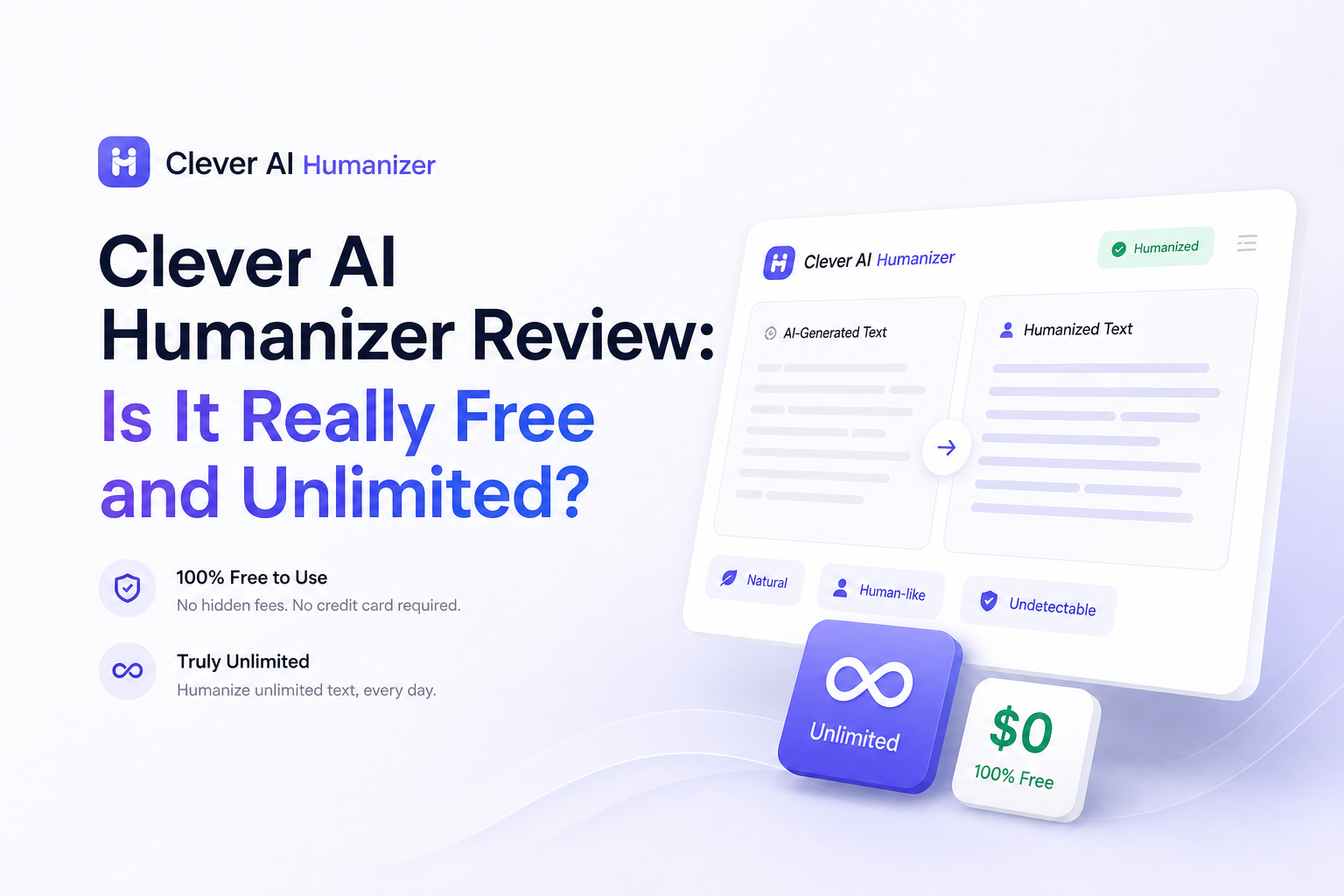
Clever AI Humanizer costs nothing, requires no paid plan, plus gives you a lot of room to work. “Unlimited” needs a footnote, though, since each request has a 3,000-word ceiling.
Clever AI Humanizer is genuinely free, with no fixed monthly word allowance or paid upgrade. It is not unlimited in every sense: each request is capped at 3,000 words, processing remains subject to service availability, plus every result still needs a careful edit.
Clever AI Humanizer at a Glance
8.6/10Clever AI Humanizer is a browser-based rewriting tool that reshapes AI-generated drafts to sound less uniform. It focuses on tone, sentence structure, plus readability rather than ordinary spell-checking.
Best forPeople polishing rough AI-assisted drafts who can verify every claim before using the result
- Up to 3,000 words per request
- No fixed monthly word allowance
- Multiple humanization styles
- English plus Spanish support
- Browser-based text editor
- No paid plan required
- Fast, simple workflow
- Generous request size
- Detector results vary
- Exact meaning can drift
- Long documents require multiple runs
Clever AI Humanizer: How It Scored Across Our Review Criteria
| Category | Performance | Score |
|---|---|---|
| 01 Rewrite Quality | 8.4/10 | |
| 02 Meaning Retention | 8.1/10 | |
| 03 Ease of Use | 9.4/10 | |
| 04 Free Access | 9.8/10 | |
| 05 Detector Consistency | 7.3/10 |
How We Evaluated Clever AI Humanizer for This Review
We checked the live product page for its July 2026 price, request ceiling, monthly allowance language, supported languages, plus basic workflow. We also compared published test reports with Reddit experiences to spot claims that stayed consistent across sources.
The score gives more weight to rewrite readability, meaning retention, ease of use, free access, plus consistency. Detector claims received less weight because checker results can change by sample, model, detector version, or even a small edit.
When Clever AI Humanizer Is the Wrong Tool
Do not paste private client records, unpublished research, protected health information, exam answers, or confidential workplace material into an online rewriter. Even if a service looks simple, sensitive text deserves stricter handling.
It is also a poor fit when every word carries legal or technical weight. Contracts, safety instructions, medical material, citations, plus numerical reports can be damaged by a rewrite that sounds smooth but quietly changes the meaning.
Clever AI Humanizer Features, Limits, Plus Real-World Tradeoffs
01 Rewrite Quality
Cleaner rhythm with occasional odd phrasing
8.4/10
Rewrite Quality
Cleaner rhythm with occasional odd phrasing
Clever AI Humanizer does more than swap a few synonyms. It changes sentence order, varies length, removes some of the overly tidy rhythm common in generated drafts, plus loosens stiff transitions. The result usually feels less mechanical at a glance.
The weak spots show up during close reading. A precise sentence can become broader, while an ordinary phrase may return with an unnecessarily unusual word. We would not publish or submit the first result without reading it beside the source.
- Breaks up repetitive sentence patterns
- Produces readable results from plain AI drafts
- Offers styles for different writing situations
- Usually needs less cleanup than a basic paraphraser
- Can make simple wording needlessly complicated
- May add length to an already long draft
- Voice can shift between paragraphs

02 Meaning Retention
Good for general prose, riskier for exact details
8.1/10
Meaning Retention
Good for general prose, riskier for exact details
General explanations, email drafts, blog introductions, plus informal summaries tend to survive the rewrite with their central point intact. Trouble is more likely when the source contains dates, statistics, quotations, technical terms, or carefully qualified claims.
A useful habit is to compare both versions one paragraph at a time. Check every number, name, citation, negative statement, plus phrase such as “may,” “usually,” or “in some cases.” Those small qualifiers are often more important than the prose style.
- Keeps the main point in straightforward passages
- Works well for rough drafts with simple claims
- Makes structural changes rather than shallow word swaps
- Specific details can become less precise
- Formatting may need to be rebuilt
- Not safe for citations or quotations without review
03 Ease of Use
Paste, choose a style, then review
9.4/10
Ease of Use
Paste, choose a style, then review
The workflow is hard to get wrong. Paste a draft, pick a suitable style, start the rewrite, then copy the result. There is no pricing maze to navigate before reaching the editor.
The plain layout is a benefit if you only want a quick pass. People looking for document collaboration, tracked changes, source management, or a browser extension will find it basic.
- Little setup required
- Core tool works in a browser
- Style selection is easy to understand
- No payment screen blocking the editor
- Few advanced editing controls
- No browser extension
- Long results still require side-by-side checking
04 Free Access
No fixed monthly cap, with a per-request limit
9.8/10
Free Access
No fixed monthly cap, with a per-request limit
This is the clearest reason to try Clever AI Humanizer. The official site lists a price of $0, no ads, no paywall, plus no fixed monthly word allowance. You do not need to choose a subscription just to process a normal draft.
The word “unlimited” can still mislead. The current published ceiling is 3,000 words per request, while access is subject to service availability. A 7,500-word report would need at least three separate runs, which can cause tone differences between sections.
- Costs $0
- No fixed monthly word allowance
- No paid tier required for the humanizer
- Generous 3,000-word request size
- Not unlimited per request
- Heavy use may be affected by service availability
- Splitting long documents can create inconsistent tone
05 Detector Consistency
Promising results without a reliable guarantee
7.3/10
Detector Consistency
Promising results without a reliable guarantee
Published tests plus Reddit reports point in opposite directions. Some samples receive low AI probabilities after processing, while others remain flagged or pass one checker but fail another. That gap is normal for a category built around opaque detection systems.
More importantly, a low detector score does not prove that a rewrite is accurate, natural, or suitable for school. A human reader may notice a changed voice even when a detector labels the text as human. Treat detection scores as noisy signals, not a pass certificate.
- Can reduce machine-like patterns substantially
- Results may score well on common consumer detectors
- Useful for identifying stiff sections in a draft
- Performance changes by source text plus detector
- No tool can promise a dependable bypass
- A passing score can hide awkward writing
What Reddit Users Report About Clever AI Humanizer
The reviewer found it genuinely free with no monthly paywall, though a 500-word rewrite took anywhere from 13 to 42 seconds. They also reported stronger GPTZero results than ZeroGPT results.
This user said results varied across detectors, which made the tool difficult to trust for situations where consistency mattered.
After testing five samples, the poster reported that two passed as likely human, while the other three were flagged or marked mixed. They also noticed weaker wording in some outputs.
One commenter said the tool worked most of the time, though occasional manual tweaks were still necessary.
Should You Use Clever AI Humanizer?
Clever AI Humanizer is worth trying if you want a free way to loosen stiff AI-assisted prose, vary sentence structure, or create a more editable second draft. Its $0 price plus lack of a fixed monthly allowance make it unusually accessible.
Skip it for confidential material, final academic submissions, legal wording, or any text where a subtle change could cause harm. The tool can help with revision, but it cannot replace fact-checking, personal authorship, or a careful final read.
Process one representative paragraph first, then compare every fact plus qualifier before placing the rest of the document into the tool.