Clever AI Detector Review 2026: Free AI Checker with Sentence-Level Analysis
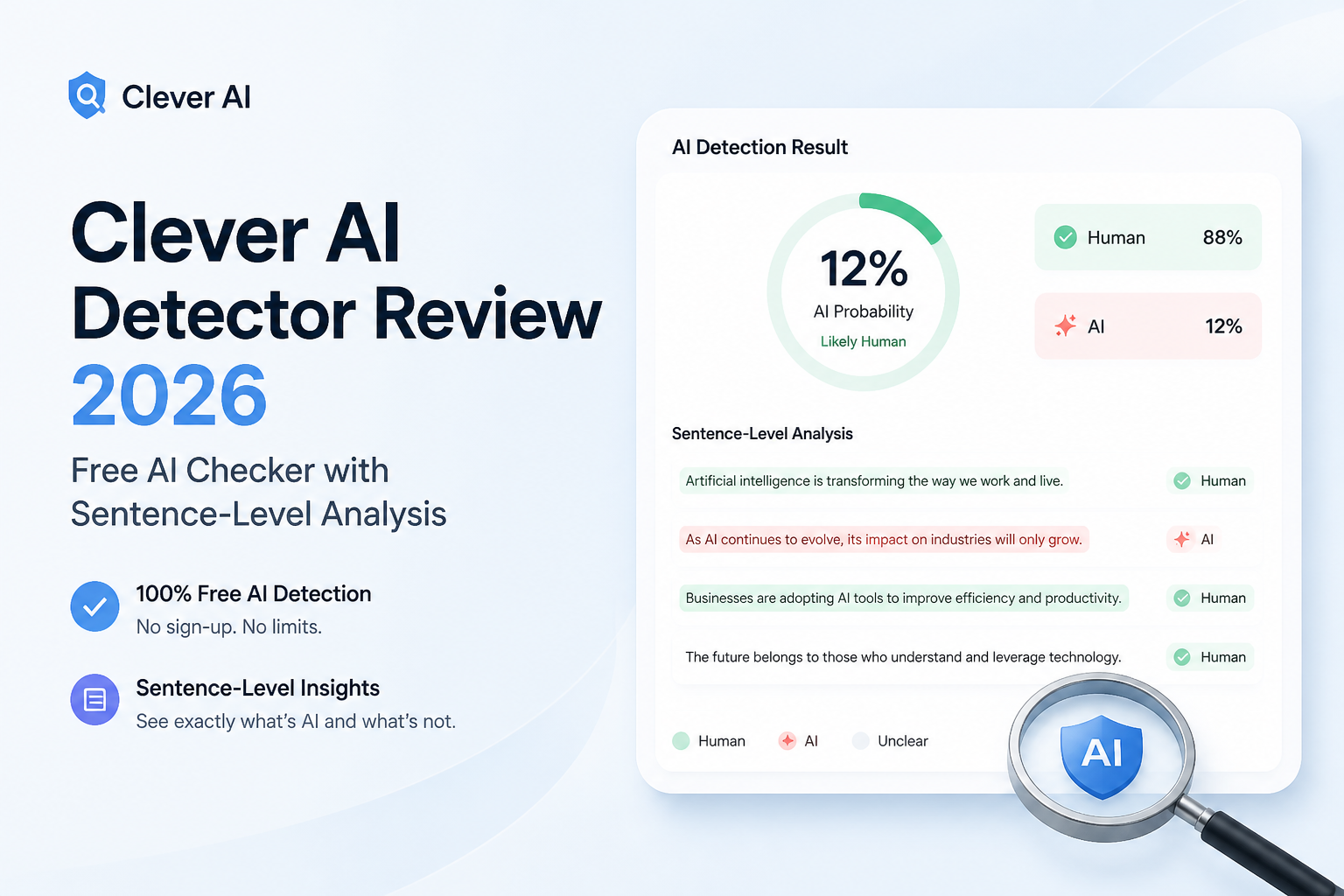
Clever AI Detector gives you more than a blunt percentage. It maps likely AI signals sentence by sentence, accepts long documents, costs nothing, plus admits when the result is uncertain.
Clever AI Detector is one of the better free checkers for reviewing long English drafts. Its 10,000-word allowance, sentence-level highlights, confidence indicators, plus $0 price make it genuinely useful. Treat the result as a clue, though, never proof of who wrote something.
Clever AI Detector at a Glance
9.1/10Clever AI Detector is a browser-based checker that estimates whether English text resembles AI-generated writing. It provides an overall probability plus signals for individual sentences.
Best forEditors, writers, educators, plus content teams that need a free preliminary signal on long English drafts
- 0–100 AI probability score
- Sentence-by-sentence signal highlighting
- Confidence indicators
- 10,000 words per check
- Optional check history
- Detailed results cost nothing
- Long documents fit in one check
- Uncertainty is stated clearly
- Not proof of authorship
- English support only
- False positives remain possible
Clever AI Detector Review Scores by Category
| Category | Performance | Score |
|---|---|---|
| 01 Detection Insight | 9.4/10 | |
| 02 Sentence-Level Analysis | 9.6/10 | |
| 03 Checking Workflow | 9.1/10 | |
| 04 Limits & Access | 9.5/10 | |
| 05 Result Safety | 8.1/10 |
How We Evaluated Clever AI Detector for This 2026 Review
We examined the September 2026 product interface, its input rules, output detail, account requirements, current price, published terms, plus the August 2026 benchmark methodology. Scores emphasize whether the output helps a reader investigate a draft rather than merely displaying a dramatic percentage.
We also checked the benchmark's weak spots. Its corpus centers on English student essays, the company conducted the comparison, plus the human control included only 150 texts. Those boundaries kept the detection score below a perfect rating despite the strong reported results.
When Clever AI Detector Should Not Decide the Outcome
Do not use Clever AI Detector as the sole reason to reject an article, penalize a student, accuse an employee, or challenge an author's honesty. A probability score describes text patterns. It cannot identify the person who typed the words or reconstruct how the draft was made.
Be extra careful with short passages, polished templates, technical summaries, plus writing from non-native English speakers. Ask for notes, sources, version history, or an explanation of the argument. Those details reveal far more about the writing process than a detector score.
Clever AI Detector Features, Limits, Plus Test Findings
01 Detection Insight
A probability estimate with useful context
9.4/10
Detection Insight
A probability estimate with useful context
Clever AI Detector reports a 0–100 probability score rather than claiming to identify authorship with certainty. That wording matters. A high result means the writing resembles patterns found in machine-generated text, not that a stated percentage of the passage came from a chatbot.
The August 2026 benchmark published on Clever's site used 600 AI-involved essays plus 150 human controls. Clever reportedly flagged 96.7% of the AI-involved set, with its weakest category landing at 92%. Those results are encouraging, though the company ran the comparison itself using a public academic corpus, so they should not be treated as universal accuracy figures.
- Probability score is easy to interpret
- Confidence cues expose uncertain calls
- Strong showing in the published GEDE-based test
- Avoids claiming that a score proves authorship
- Company-published testing needs outside replication
- Performance outside English academic prose is less clear
02 Sentence-Level Analysis
The strongest reason to use this checker
9.6/10
Sentence-Level Analysis
The strongest reason to use this checker
A single document score rarely tells a writer what to inspect. Clever fixes that problem by evaluating sentences separately, then highlighting passages carrying stronger AI signals. You can move from a broad warning to a specific line with repetitive rhythm, overly predictable wording, or stock phrasing.
This view is especially handy with mixed drafts. A 1,500-word article might include original reporting, a polished introduction, plus a few machine-assisted transitions. The sentence map helps isolate those shifts instead of treating the whole document as one uniform block.
- Highlights suspicious sentences inside the draft
- Makes mixed human-AI passages easier to review
- Useful for focused editing rather than total rewrites
- Detailed analysis is not locked behind payment
- Highlights still reflect statistical guesses
- A flagged sentence may simply be formal or heavily edited
03 Checking Workflow
Quick enough for routine draft reviews
9.1/10
Checking Workflow
Quick enough for routine draft reviews
The basic process is pleasantly short. Paste or upload an English document, run the check, then review the overall score, confidence level, sentence count, plus highlighted signals. The input must contain at least 80 words, which is reasonable since tiny snippets rarely provide enough language patterns for a useful estimate.
No account is needed for an occasional check. Creating one adds history, which is helpful if you want to compare a first draft with a later revision. A copy-report option makes the result easier to record, though the page is still aimed more at individual checks than team-wide review systems.
- Works in a browser with no installation
- No account required for basic checks
- Optional history stores earlier results
- Report can be copied for later reference
- English is the only clearly supported language
- No visible bulk-document dashboard or team controls
04 Limits & Access
Far more generous than most free checkers
9.5/10
Limits & Access
Far more generous than most free checkers
Each check accepts up to 10,000 words, with unlimited runs listed on the product page. That is enough for a long report, several blog posts, or a sizable essay without splitting the material into tiny pieces.
The current price is straightforward: $0. There are no ads, paid detail panels, or mandatory registration steps. Clever's terms say the services are under active development, so free access or usage limits could change later.
- $0 access with no paid analysis layer
- Up to 10,000 words in one check
- Unlimited checks currently listed
- No signup wall
- No display ads on the detector
- Free limits may change as the service develops
- No paid service-level commitment
05 Result Safety
Responsible wording cannot remove false positives
8.1/10
Result Safety
Responsible wording cannot remove false positives
Clever is unusually direct about a detector's limits. Its interface says results are probabilities rather than proof. The terms also warn that formal, templated, heavily edited, or non-native English writing may be more vulnerable to false positives.
That honesty earns points, but the underlying risk remains. A teacher, editor, or manager should never discipline someone from one score. Draft history, previous writing samples, source notes, plus a conversation about the work carry much more weight.
- Clear warning that scores do not prove authorship
- Uncertain results are presented as uncertain
- Terms explicitly discuss false positives
- Encourages contextual review
- Any detector can misclassify human writing
- English-only focus narrows dependable use
- A confident visual score may still be overtrusted
Should You Use Clever AI Detector?
Clever AI Detector is easy to recommend as a free first-pass checker. Writers plus editors get unusually generous document limits, useful sentence-level detail, plus a result that acknowledges uncertainty instead of pretending to be forensic evidence.
Use it if you want to locate passages that read statistically machine-like. Skip it if you need proof of misconduct, multilingual analysis, or a formal institutional audit trail. No text detector can reliably provide that first requirement.
Check at least 250 words where possible, inspect the highlighted sentences, then compare the result with draft history before drawing any conclusion.