Disk Drill Review for Students: Recovering Lost Essays, Projects, and Files
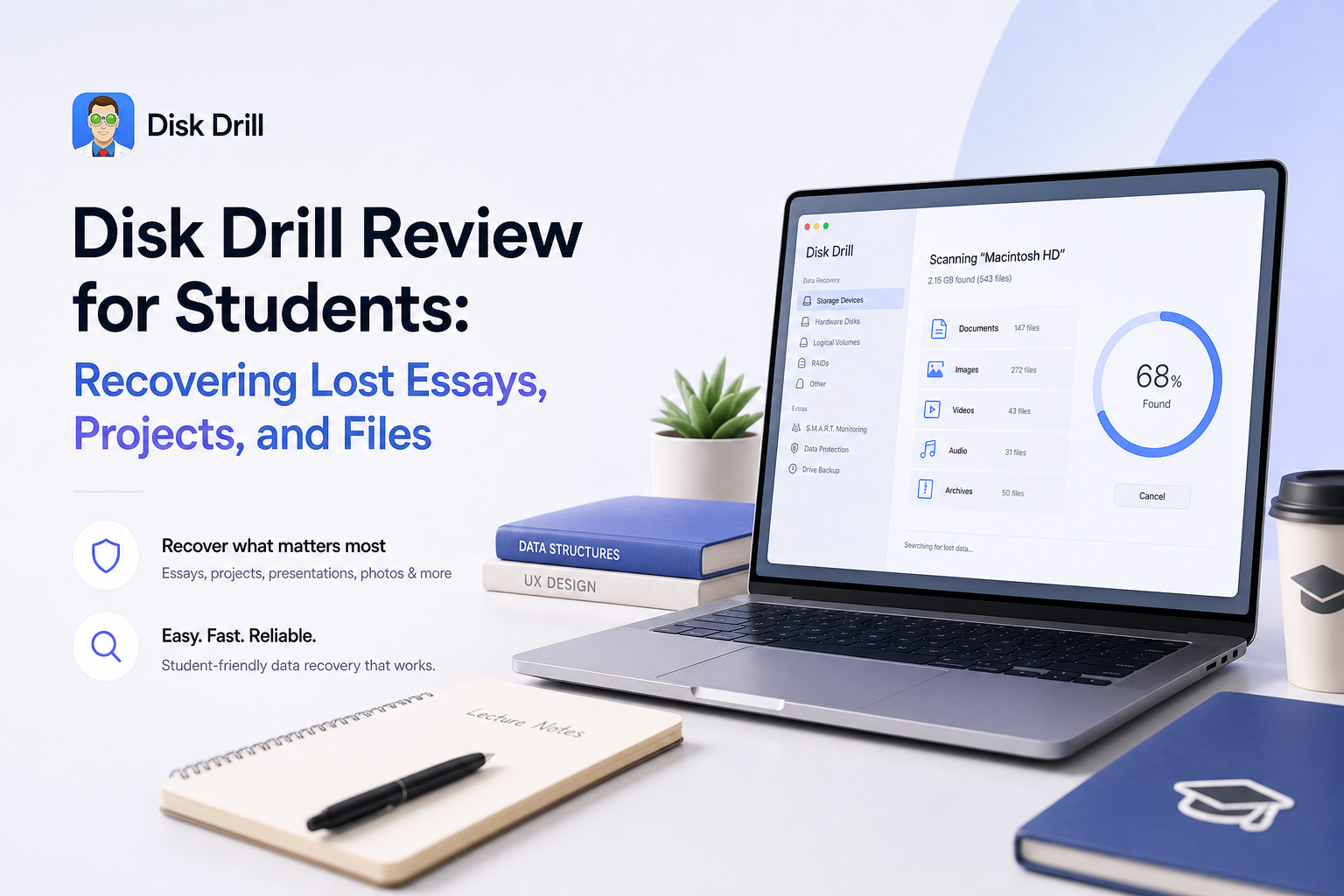
Disk Drill can find a deleted paper or damaged USB project without making you learn forensic software. The free edition is useful for checking files, though recovering a full semester folder may require Pro.
Disk Drill is easy enough to use during a deadline panic, with filters for documents, folders, dates, sizes, plus recovery chances. Run the free scan first, preview the exact essay or project, then consider Pro only if the file opens correctly in preview.
Disk Drill for Students at a Glance
8.4/10Disk Drill is a Windows plus macOS recovery app. It searches laptops, USB drives, memory cards, plus external disks for deleted or inaccessible files.
Best forStudents recovering an unbacked essay, thesis folder, presentation, media project, or damaged USB drive
- Deleted document recovery
- Free file scanning plus previews
- Date, size, type, plus name filters
- Recovery-chance estimates
- Byte-to-byte storage backups
- Easy to use under time pressure
- Strong document filtering
- Supports common student storage
- Full recovery can be expensive
- SSD results are never guaranteed
- Strict refund terms deserve attention
How We Evaluated Disk Drill for Student File Recovery
We reviewed Disk Drill 6's current Windows plus macOS feature set, pricing, free-tier limits, education discount, official recovery guidance, plus recent third-party test results. The scoring focused on everyday student losses: a deleted essay, an emptied Recycle Bin, a damaged USB stick, a formatted SD card, plus a missing media-project folder.
Extra weight went to preview quality, document filtering, clear recovery steps, storage support, plus cost. We also compared positive recovery reports with complaints about corrupted output, refund limits, plus confusing expectations around the free edition.
When Students Should Not Use Disk Drill on a Lost Drive
Do not install Disk Drill onto the same drive that held the deleted essay. Installation files could overwrite the exact sectors you need. Use another computer drive or an external disk, then recover the results somewhere separate.
Software is also the wrong first move for clicking hard drives, badly bent USB connectors, liquid damage, repeated disconnects, or storage that never appears in the operating system. Those symptoms can point to hardware failure, where a recovery lab is safer.
Disk Drill for Students: How It Scored by Category
| Category | Performance | Score |
|---|---|---|
| 01 Essay & Project Recovery | 9.1/10 | |
| 02 Ease of Use for Students | 8.9/10 | |
| 03 File Preview & Sorting | 8.6/10 | |
| 04 Laptop, USB & SD Support | 8.4/10 | |
| 05 Cost for Students | 6.8/10 |
Disk Drill Recovery Features for Essays, Projects, Plus Campus Files
01 Essay & Project Recovery
Good results when deleted data has not been overwritten
9.1/10
Essay & Project Recovery
Good results when deleted data has not been overwritten
Disk Drill searches for common student files such as DOCX, PDF, PPTX, XLSX, ZIP, image, audio, plus video formats. That covers the usual mix of papers, presentations, design exports, recorded interviews, coding archives, plus lab data.
Its biggest practical advantage is the ability to preview supported files before paying. A visible, readable essay preview is a much better sign than a filename alone. Still, no recovery app can restore sectors that the laptop has already overwritten, which is especially relevant on modern SSDs.
- Finds documents mixed into large scan results
- Can recover folders when file-system records survive
- Preview helps verify important essays before payment
- Handles deleted files plus formatted removable media
- SSD cleanup features may erase deleted data quickly
- Detected files can still be damaged or incomplete

02 Ease of Use for Students
Clear controls with little setup work
8.9/10
Ease of Use for Students
Clear controls with little setup work
The workflow is straightforward: choose the drive, start a search, review the results, select a different destination, then recover. Scan results are split into familiar groups, so a student can skip thousands of old images to focus on documents or archives.
That simplicity matters if a paper vanished an hour before class. The weak spot is expectation setting. Finding a file does not mean its contents remain usable, so the preview step should never be skipped.
- Drive list is easy to understand
- File-type filters reduce clutter
- Recovery chances offer a useful first check
- No command-line work required
- Large scans can produce a messy pile of files
- Recovery labels may look more certain than the real outcome
03 File Preview & Sorting
The safest reason to try the free edition first
8.6/10
File Preview & Sorting
The safest reason to try the free edition first
Disk Drill lets you filter by file type, size, date, recovery chance, plus name. This is handy when the target is something specific, such as a PowerPoint edited last Tuesday or a 2 GB Premiere project folder.
A correct preview matters more than a green recovery indicator. Open several pages of a paper, inspect images at full size, or play part of a video when possible. A generic icon, blank preview, or broken text is a warning not to buy on hope alone.
- Readable previews for many common formats
- Filters by date, size, type, plus status
- Results can be reviewed while a scan runs
- Folder view can preserve useful context
- Some specialist project formats cannot be previewed
- Filename recovery depends on surviving metadata
04 Laptop, USB & SD Support
Useful across the places students commonly save work
8.4/10
Laptop, USB & SD Support
Useful across the places students commonly save work
Disk Drill supports internal drives, portable hard drives, USB sticks, SD cards, plus many disk images. That gives it more range than a basic undelete utility, particularly when a camera card becomes unreadable or a flash drive suddenly appears empty.
Physical trouble is a different problem. If a drive clicks, disconnects repeatedly, smells burned, or is not detected by the computer, repeated scans may make matters worse. Stop using it, then consider a professional lab if the work cannot be replaced.
- Works with common campus storage devices
- Can scan damaged or missing partitions
- Byte-to-byte backup tools help with unstable media
- Supports both Windows plus macOS
- Cannot fix physically broken storage
- Internal SSD recovery may be blocked by TRIM
05 Cost for Students
Reasonable for irreplaceable work, steep for one document
6.8/10
Cost for Students
Reasonable for irreplaceable work, steep for one document
Disk Drill Basic costs $0 for scanning, result review, plus file previews. The Windows edition offers a small free recovery allowance, commonly listed as 100 MB. That may cover a Word essay or spreadsheet, though not a video project or full USB backup. Mac users should treat Basic mainly as a scan-plus-preview trial.
Disk Drill Pro is currently listed at $89 per year, while a lifetime license is listed at $149. CleverFiles also states that eligible students can request a 20% education discount. The discount helps, but a single-use purchase can still hurt on a student budget.
- Free scan shows results before purchase
- Small Windows documents may fit within the free allowance
- 20% education discount is available
- Lifetime option avoids repeated yearly charges
- $89 yearly cost is high for one missing assignment
- Refunds are not promised when recovery fails
- Mac free recovery is much more limited
What Disk Drill Users Reported Online
The original poster said Disk Drill found photos plus videos on an inaccessible RAW SD card after other tools failed. The files reportedly came back in about ten minutes.
A wedding videographer in the thread said a small recovered clip played correctly, which gave them enough confidence to pay. They later reported recovering the ceremony footage from a formatted card.
Another commenter said the software appeared to find client files before purchase, yet the paid recovery did not produce usable results. They were also unhappy with support.
A Windows 11 user reported recovering important photos plus software from a troubled 3 TB disk. The scan took several days, though it did not retrieve everything.
Should Students Download Disk Drill?
Disk Drill is worth downloading before assuming a lost essay is gone. It fits students who want a visual, beginner-friendly way to search a laptop, USB stick, SD card, or external drive. Skip the paid edition if the target file will not preview correctly, or if the storage device shows signs of physical failure.
The annual price is difficult to justify for a replaceable homework file. For a thesis, capstone project, portfolio, or months of research, the cost may be easier to accept after a successful preview.
Stop using the affected drive immediately, install Disk Drill on another drive, preview the missing file, then save any recovery to separate storage.